CBSE Class 10 Results 2026: Board Issues Urgent DigiLocker Activation Guidelines for Students
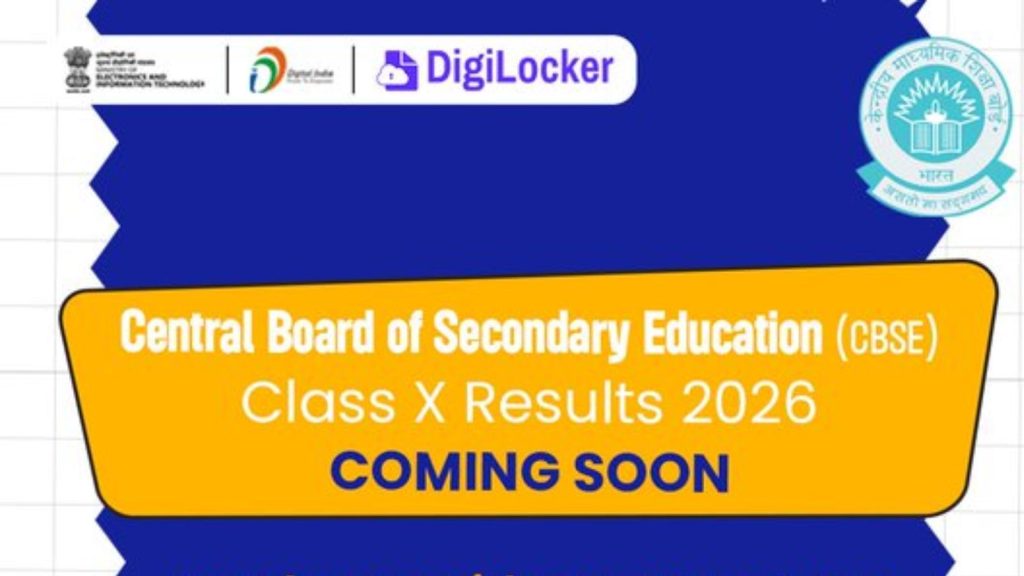

NEW DELHI – With the Central Board of Secondary Education (CBSE) expected to announce the Class 10 Board Exam 2026 results shortly, the board has issued a critical advisory for students to activate their DigiLocker accounts immediately. To ensure a seamless, “queue-free” experience on result day, students are being encouraged to complete their digital registration well in advance.

The board has introduced a streamlined process integrated with the APAAR ID (Automated Permanent Academic Account Registry). This digital ecosystem is designed to reduce the heavy traffic on official result websites and provide students with instant access to their digital mark sheets and certificates.
Two Pathways for Accessing Results
According to the latest guidelines, the method of accessing documents depends on the student’s APAAR ID status:
- Students with APAAR ID: Those whose IDs are already linked to CBSE will find their mark sheets automatically pushed to the “Issued Documents” section of their DigiLocker account once results are officially declared.
- Students without APAAR ID: These students must manually activate their accounts via the dedicated CBSE-DigiLocker portal to ensure they can fetch their results without delay.
Step-by-Step Activation Guide
For students who need to set up their accounts, the CBSE has outlined a simple five-step process:
- Visit the Portal: Go to the official link: cbseservices.digilocker.gov.in/activatecbse.
- Initiate Setup: Click on the “Get Started” button.
- Authentication: Enter your personal details along with the unique 6-digit Access Code provided by your respective school.
- Mobile Verification: Complete the verification process by entering the OTP (One-Time Password) sent to your registered mobile number.
- Confirmation: Once verified, the account will be activated, and students will be ready to receive their digital credentials instantly on result day.
Education experts suggest that early activation is vital to avoid the technical glitches that often occur due to high server loads during the result hour. Students are advised to contact their school authorities immediately if they have not yet received their 6-digit access codes.