Maharashtra SIR Draft Electoral Rolls Published: Here’s How to Check Your Name
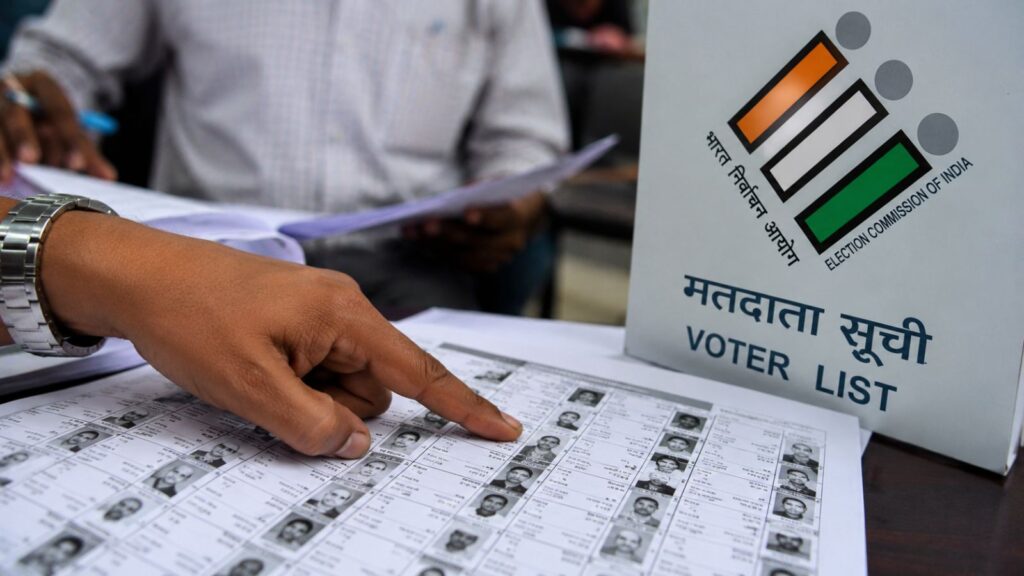

The Election Commission of India published the draft electoral rolls for Maharashtra on August 31, based on the qualifying date of October 1, 2026. The special intensive revision program is now underway, and voters are urged to check their entries.

But finding your name in the new ‘SIR’ draft rolls might not be as simple as typing it in. Part numbers have been shifted in this revision.
If you can’t locate your name, skip the online search form and try this direct method instead:
First, go to the ECI’s search portal (electoralsearch.eci.gov.in) and find your name using your EPIC number. Note down your old Part Number and Assembly Constituency.
Next, visit the ECI download page (voters.eci.gov.in/download-eroll?stateCode=S13), select your district and constituency, and download the PDFs for your old Part Number, plus the ones immediately before and after it.
For example, if your old part was 179, download parts 178, 179, and 180. If you still don’t see your name, widen the search to a few more parts on either side.
Finally, open the PDFs and use the find/search function to look for your name or EPIC number.
One voter reported finding their name in Part 178, even though their previous Part Number was 179. So, don’t assume your part number remains the same it may have moved forward or backward.